【Visual Studio 2015 Community】d3dx9.hがインクルードできない
筆者はWindows10 (64bit), Visual Studio 2015 Commmunityを使っている。
ある日DirectXを触ろうと思って d3dx9.h をincludeしようとした

ところがコンパイルエラーが出た. cannot open source file "d3dx9.h"
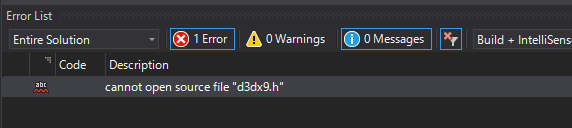
インクルードディレクトリにd3dx9.hのパスを追加しないとダメらしい
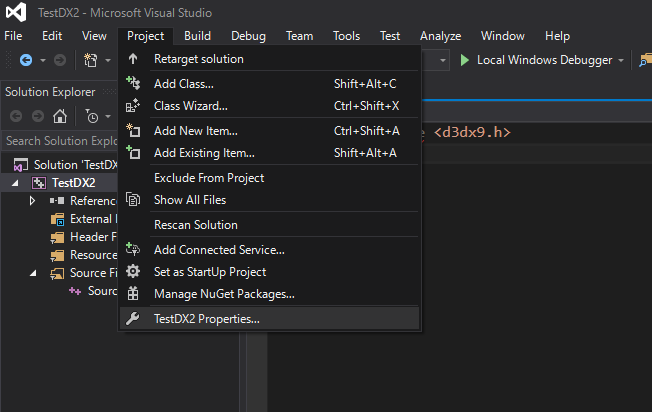
追加するためにはまず、 Project > (Project名) Propertiesを選択
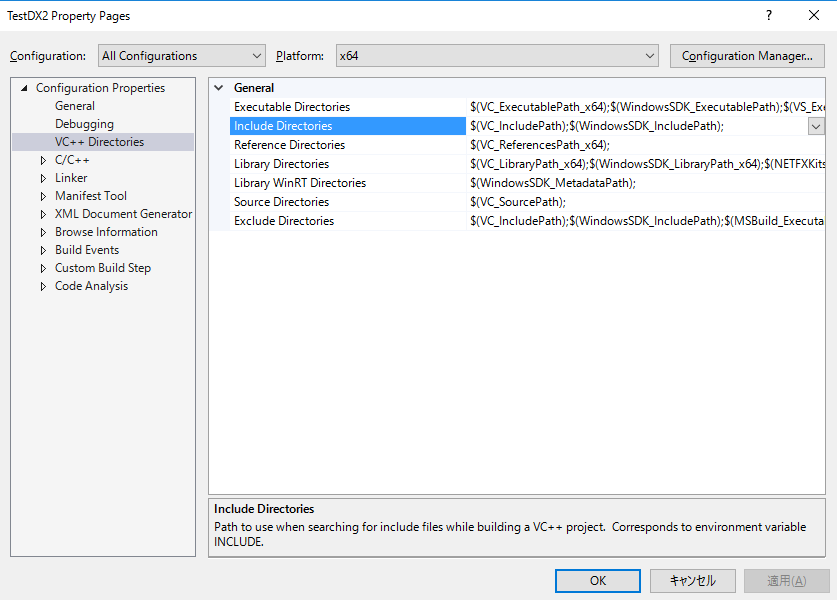
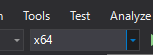
VC++ Directories > Include Directories を開く。 Platformは x64 にしておく
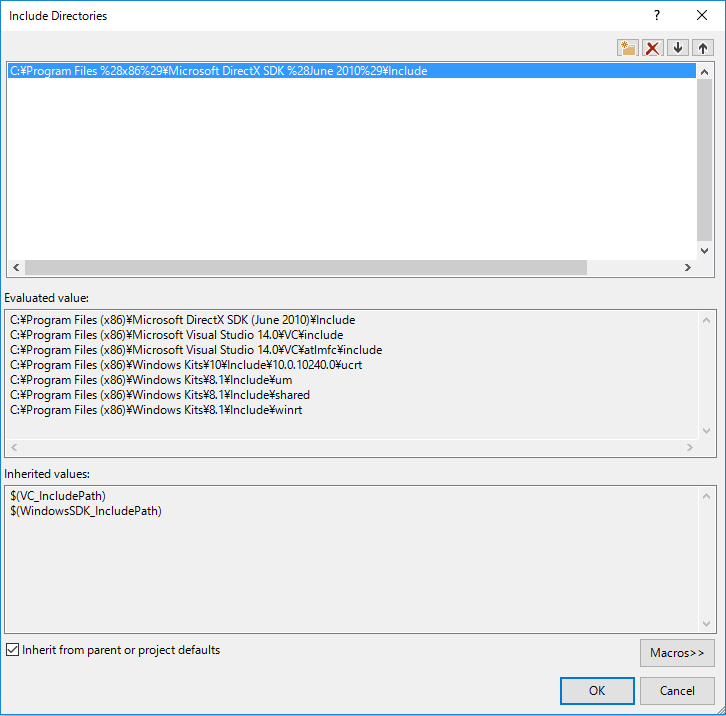
パスを追加。
エラーがとれた。
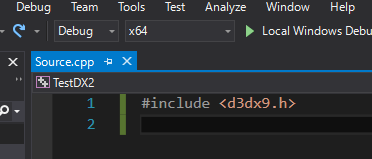
Solution Platformをx64にしないとエラーが取れないので注意。
C:\Program Files (x86)\Microsoft DirectX SDK (June 2010) がない場合は下記URLからインストーラーをダウンロードしてきて実行すると良い
Download DirectX Software Development Kit from Official Microsoft Download Center
